
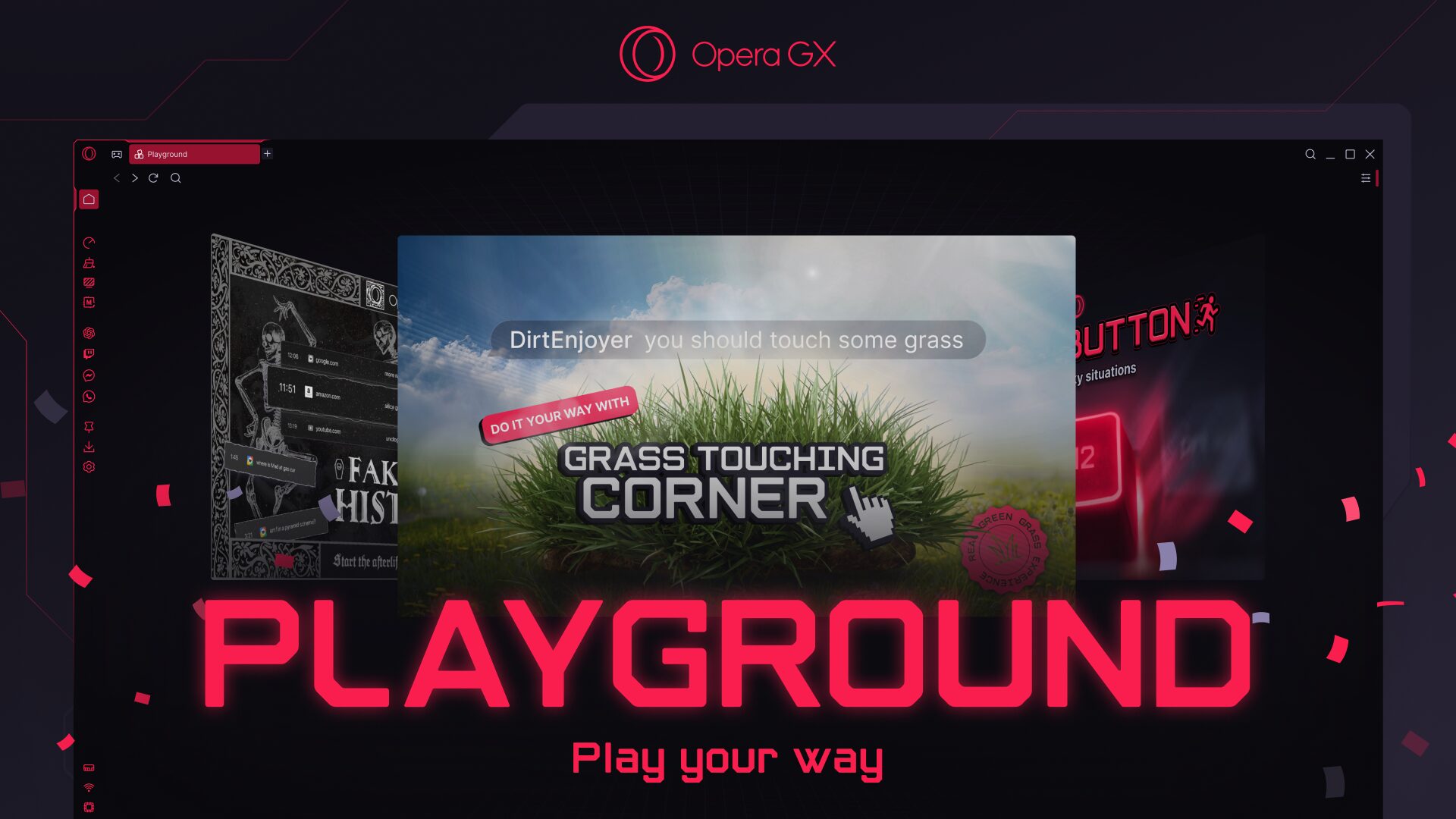
Playground Brings Together a Set of Opt-In Tools for the Chronically Online, Including Rapid Tab Switching, Faked Search History, and the Ability to “Touch Grass”
Oslo, Norway – 21 April 2026 – [NASDAQ: OPRA] – Opera GX, the gaming browser, has introduced Playground, a new space within the browser that brings together a set of features to help users game the internet. Entirely opt-in, the features in Playground are designed to address browsing needs that are real and familiar, whether it’s swapping screens discreetly to evade prying eyes, scrubbing questionable search histories, or taking a quick break after hours of gaming to “touch grass.”
At its core, Opera GX is designed to give users more control. Packed with tools to help gamers maximize performance and optimize their set-ups, the browser also comes with myriad options for deep customization. It’s a browser for those who like to experiment and have fun, and with the Playground, users can carve out a browsing environment that feels distinctly their own.
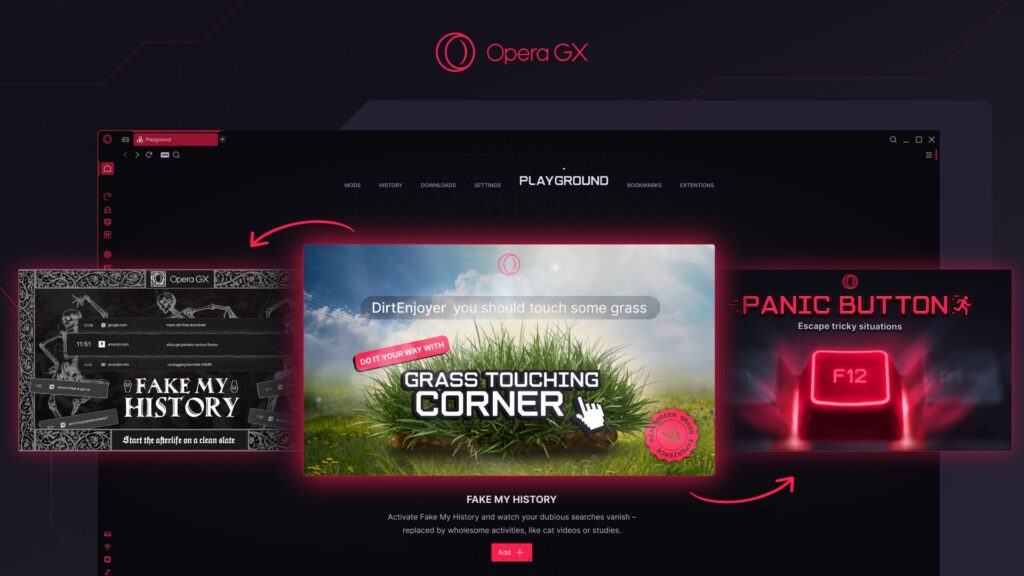
Now accessible from one centralized hub, each of the tongue-in-cheek features in the Playground address a real user need:
- Grass Touching Corner is a small, interactive patch of grass tucked into the bottom-right corner of the browser window. The concept riffs on one of the internet’s favorite directives: “Go touch grass.” Now, users don’t actually have to leave their setup to prove they have a life. They can simply click, tap or “touch” the grass right inside the browser. It behaves like a lightweight idle game, turning a familiar online joke into something tangible (and oddly satisfying).
- Panic Button is built for moments when discretion matters. With a single tap of a designated hotkey, users can instantly hide open tabs, pause content, mute audio, and switch to a pre-set “safe” website. The transition is smooth and discreet, and perfect for when time isn’t on the user’s side. But proceed with caution: the designated “safe tabs” aren’t foolproof, and there’s always a small chance Panic Button may go rogue and redirect users somewhere just as questionable.
- Fake My History gives users an alibi for their perhaps questionable browsing histories. Rather than leaving behind a string of late-night searches and highly specific curiosities upon their expiry, Opera GX will swap them out for something more wholesome or productive – like study sessions, volunteering opportunities, and the occasional cat video. If activated, Fake My History will automatically replace a user’s browsing history after 14 days of browsing inactivity.
“Some features solve obvious problems, and others solve the ones we joke about. Playground is where we can experiment with the second category,” said Maciej Kocemba, Product Director at Opera GX. “Behind the humor, there’s very real user behavior. And by giving those ideas a home, we can lean into creativity without adding clutter to the core experience.”
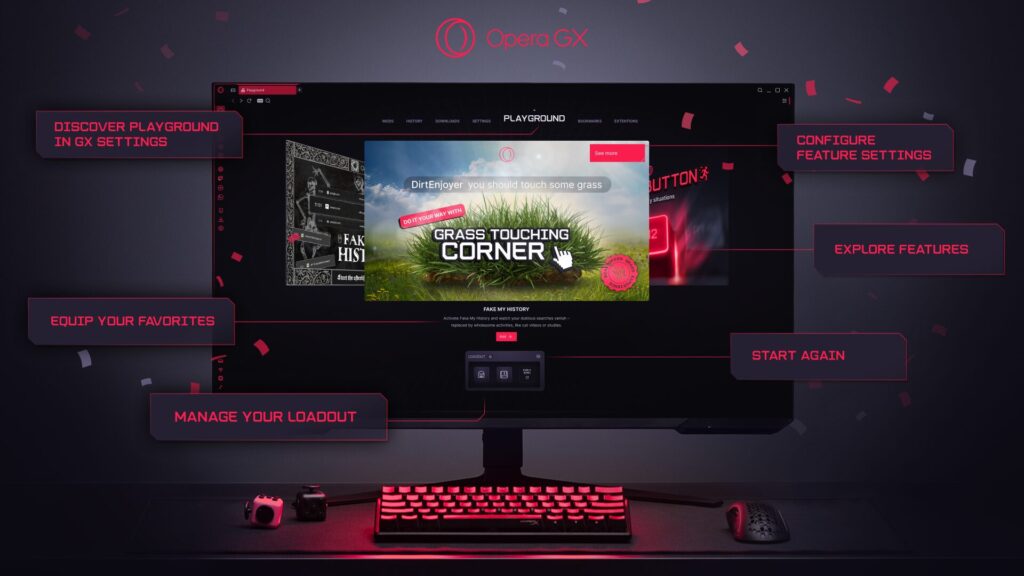
Playground is available now in Opera GX for Windows, Mac and Linux. Users can find the Playground in the browser’s settings menu. To download Opera GX or update to the latest version, visit operagx.gg.
About Opera GX
Opera GX is the browser of choice for millions of gamers seeking a more personalized internet experience. The first browser to allow users to fully customize its appearance, color themes, sounds effects and audio effects, Opera GX additionally optimizes the computer’s resources for gaming through CPU, RAM and Network Bandwidth limiters that make the browser less resource-hungry. Users can simply download one of over 10,000 mods to start enjoying a new look that suits their preferences. Opera GX was born in Oslo, Norway in 2019.